

Original Post https://www.sony.co.uk/electronics/support/articles/00229342
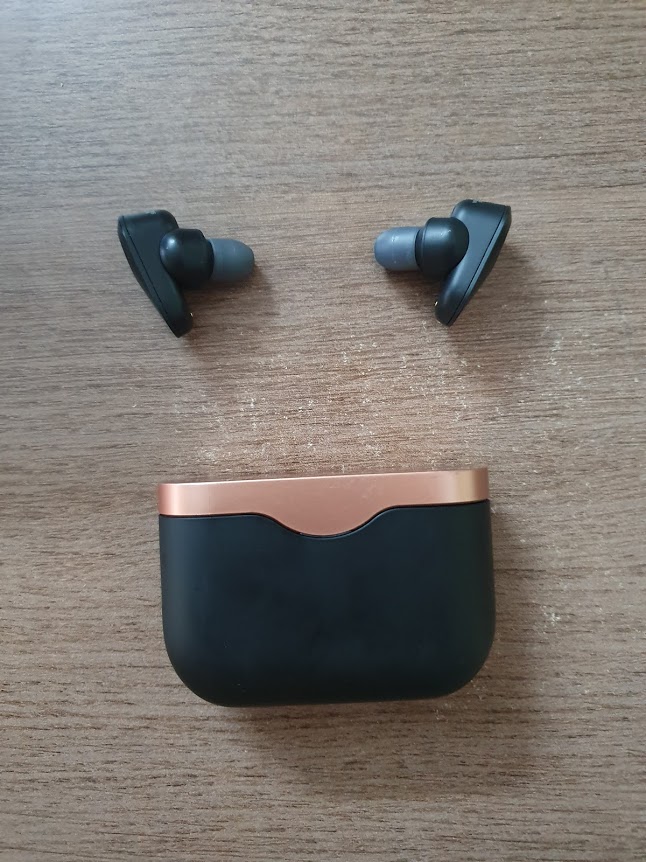
1. Download Sony Connect Application – https://www.sony.com/electronics/headphones-connect-app
2. Connect your headphone. and Open the App
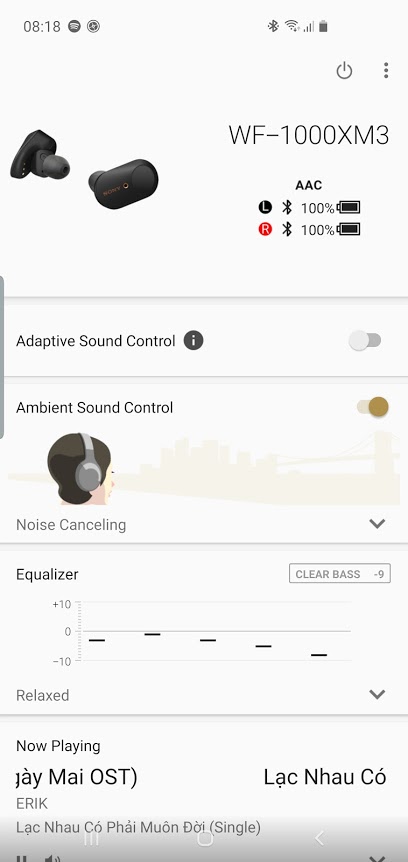
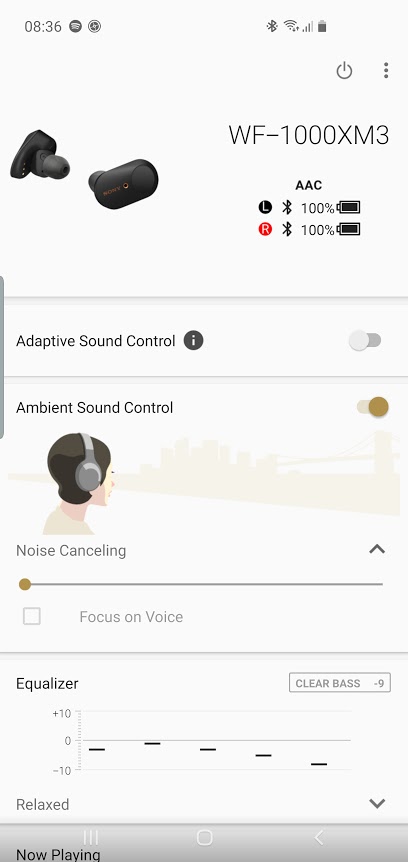
3. Choose the Noise Canceling section to open the setting. By default, it would be on Noise Canceling mode (Horizontal Scroll on first level)
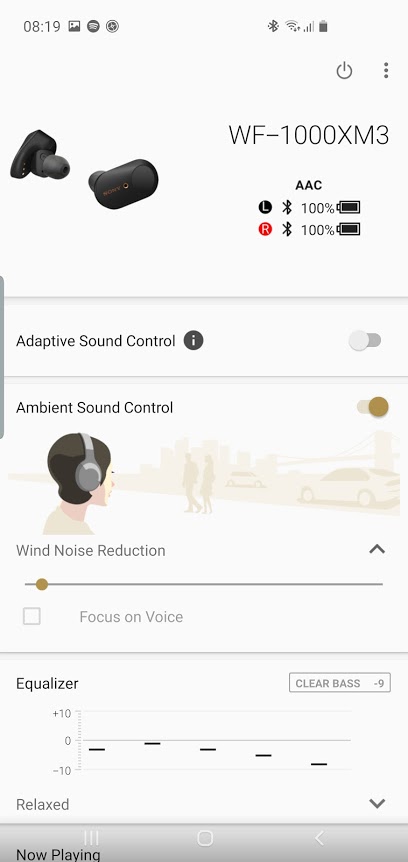
4. Scroll the scrollbar to right with one additional step. It would be Wind Noise Reduction Option.

 say Linux!